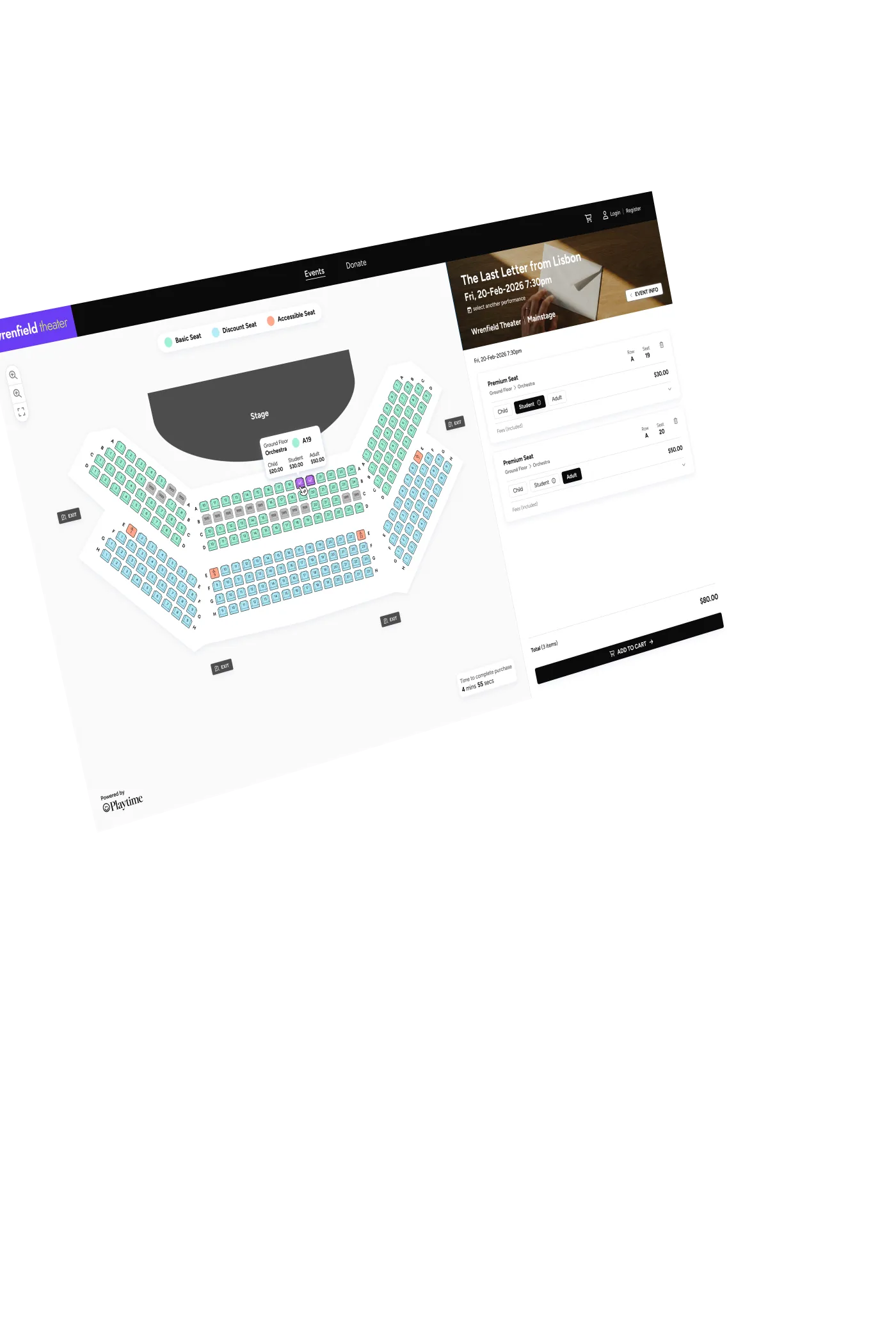
Playtime Prospect Research
Know who to ask. And how much to ask for.
Research every constituent against your own data and what’s public, with a recommended ask level for each.
The problem
Your prospect research is a stack of other people’s programs.
Development teams work this out by hand. Flip through programs from other theaters, note who gave and at what level, and reason from there to what someone might give you. Each name is an afternoon of searching, and you only ever get to the names someone thought to look up.
The Playtime solution
Let Playtime do the searching.
Every constituent
Not just the fifty names a person had time to research before the campaign.
Public giving, found for you
Affiliations, board service and giving elsewhere, gathered instead of guessed at.
An ask you can defend
A number with reasoning attached, which matters when a board asks where it came from.
What’s in it
Everything Prospect Research lets you do.
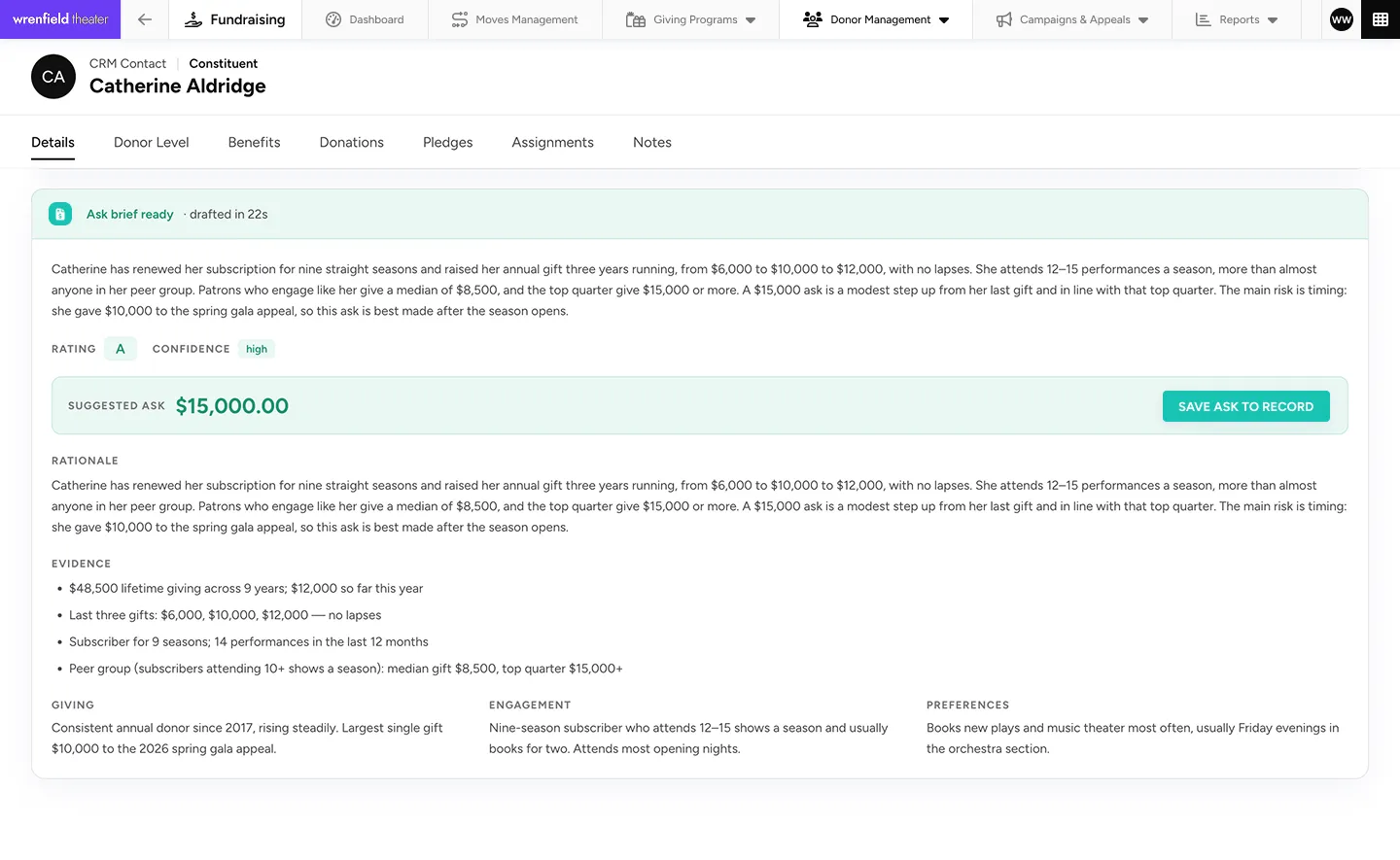
A suggested ask for each person, and the reasoning behind it.
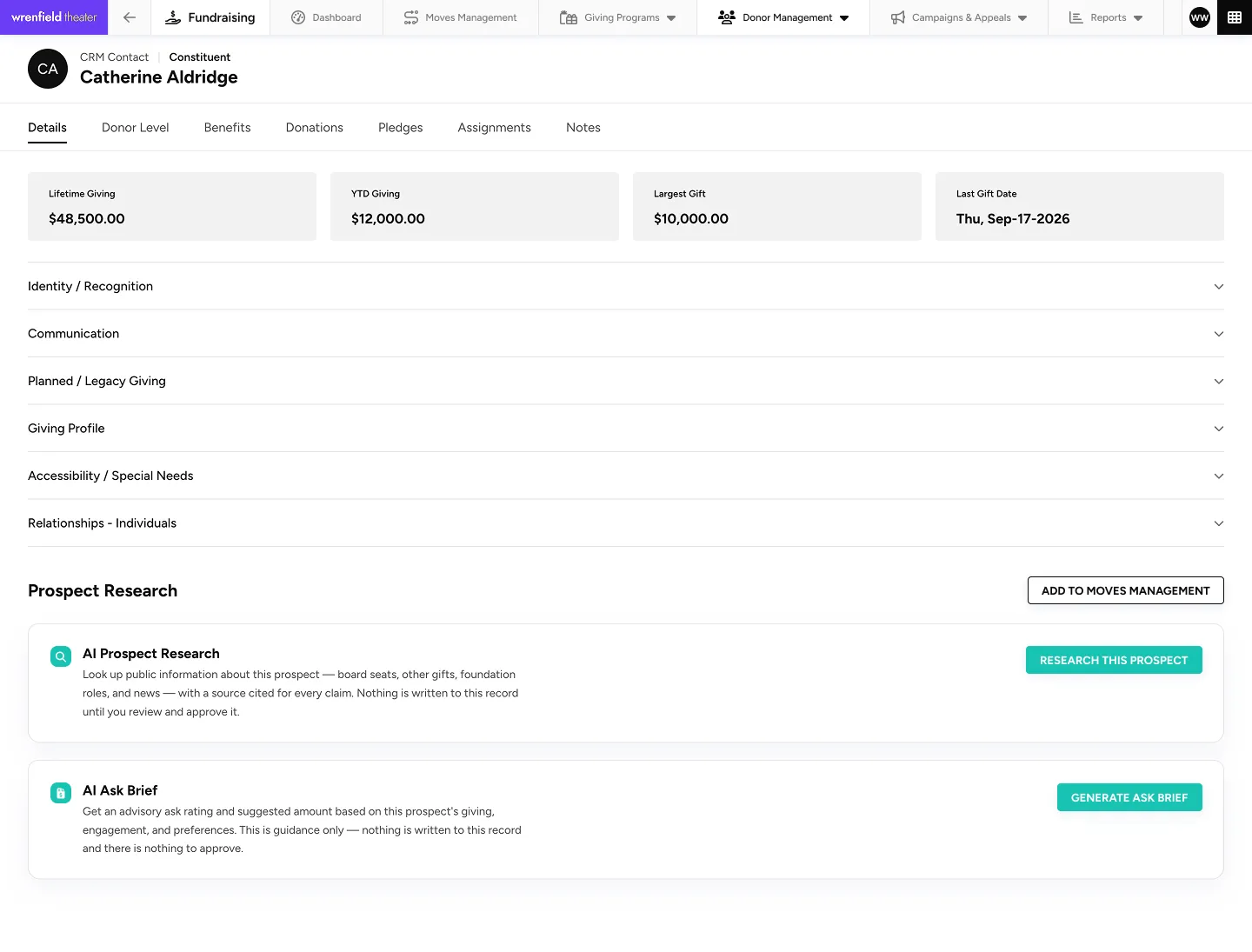
Research any constituent
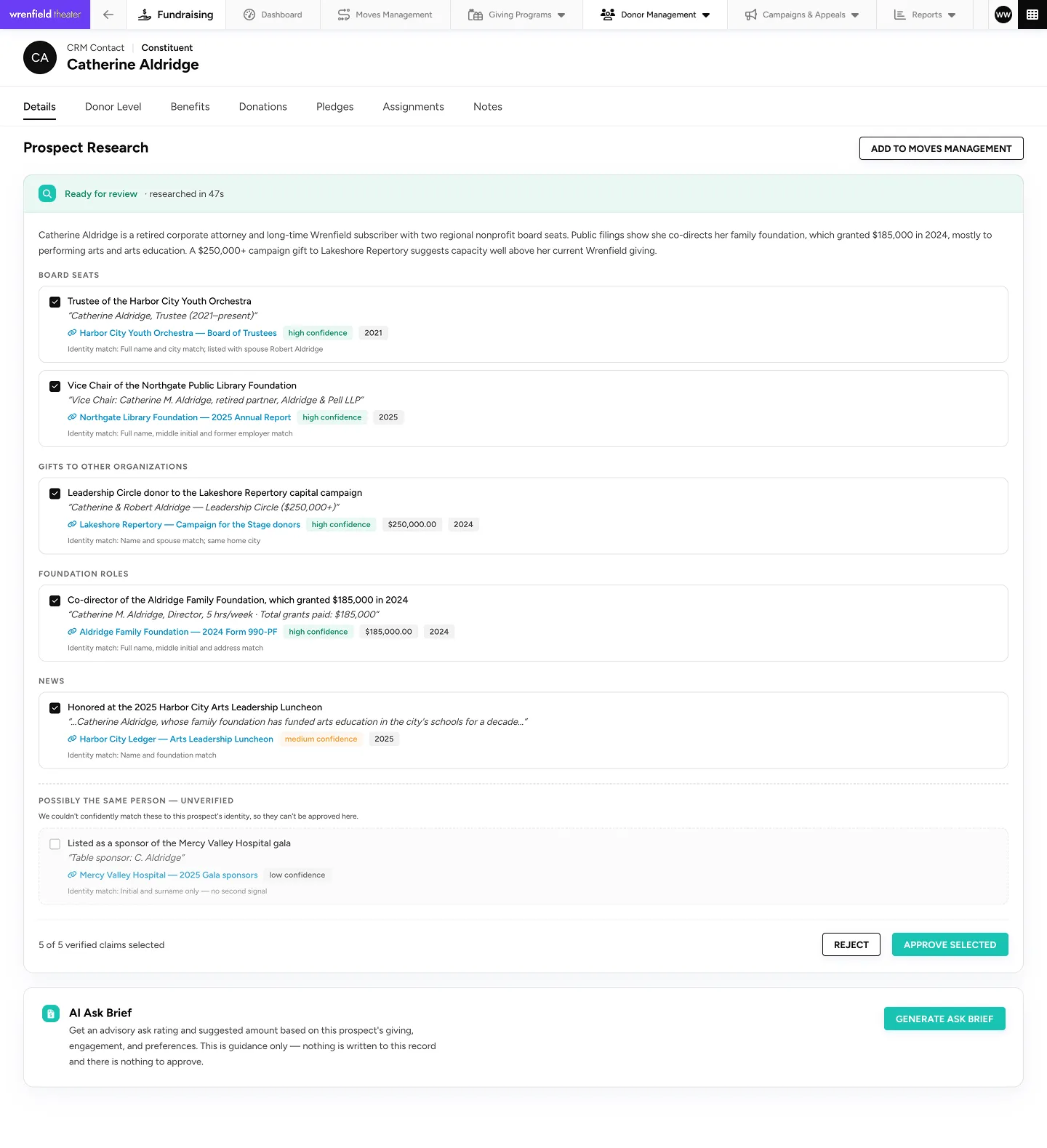
From their record, it searches the public web and ProPublica’s 990 filings.
See the evidence
Only the strongest findings, each with its source, the sentence it rests on, and an amount and year where there is one.
Approve it claim by claim
Nothing reaches the record until your team says yes.
Get a suggested ask
A number and a rating for each person.
See why
A few plain sentences on what it weighed, and how confident it is.
Built on your own numbers
Two years of giving, attendance, membership and engagement, counted first.
Compared with real peers
Benchmarked against what people who come and spend like them actually give.
Honest when it can’t tell
If it can’t back up a number, it won’t suggest one.
Move straight to cultivation
Add them to moves management when you’re ready to act.
How it works
How much to ask, and the evidence behind it.
Step 1
Reads your own data
Giving history, attendance, membership, engagement.
Step 2
Looks outward
Publicly available giving, affiliations and board service.
Step 3
Builds the research
Gathers what it finds into a dossier on that person, with a source and a confidence level for every finding.
Step 4
Recommends the ask
A giving level and an ask amount, with the reasoning behind it.
Trust
Research you can stand behind.
The right person, sources you can check, and your donors’ data stays yours.
Your Jane Smith, not another one
At least two details must match, like name, city and spouse. A matching name alone never counts.
Check any finding yourself
Every finding links to its source and says why it’s your person.
No people-search sites
Social networks and people-search sites are refused outright as sources.
Only the basics leave your database
The public search gets a name, city and rough giving range, never an email address or a dollar figure.



Book a demo
Your next ask, already researched.
Book a demo and watch the research come together.
or email playtime@qed.software